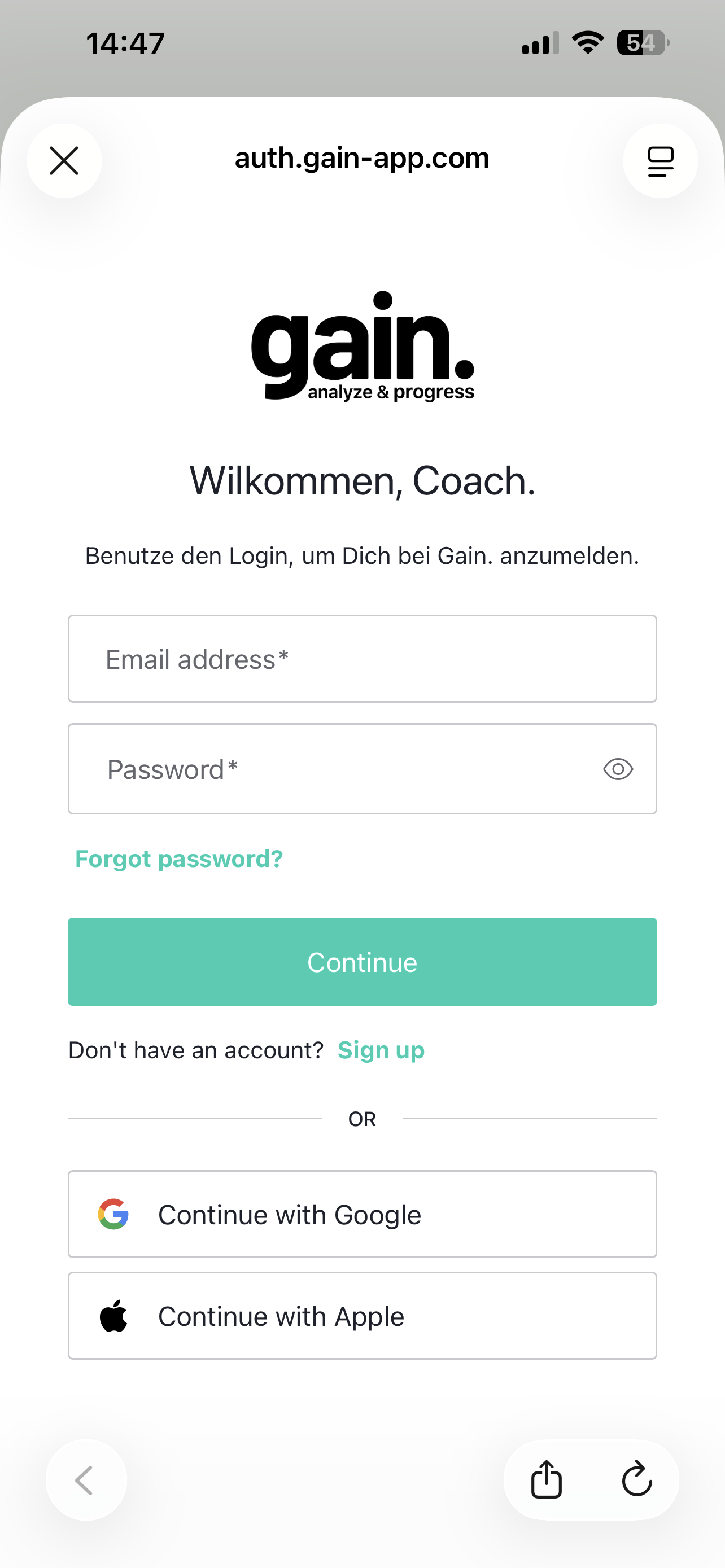
For Coaches
For Athletes / Clients
Android users can download the app directly from Google Play
iPhone users can download the app from the App Store
Gain. App Registration
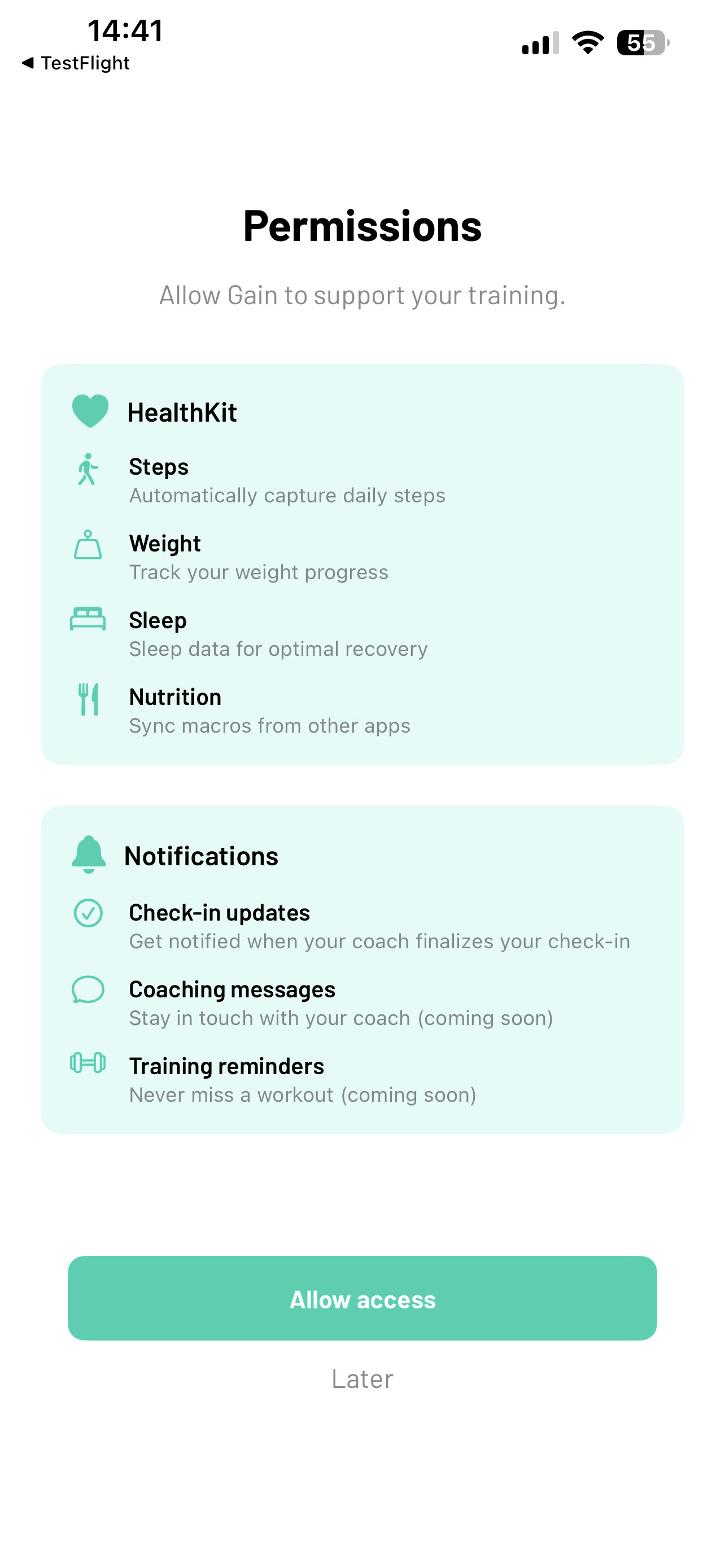
- After installing the Gain. app, please allow access to HealthKit and Notifications.
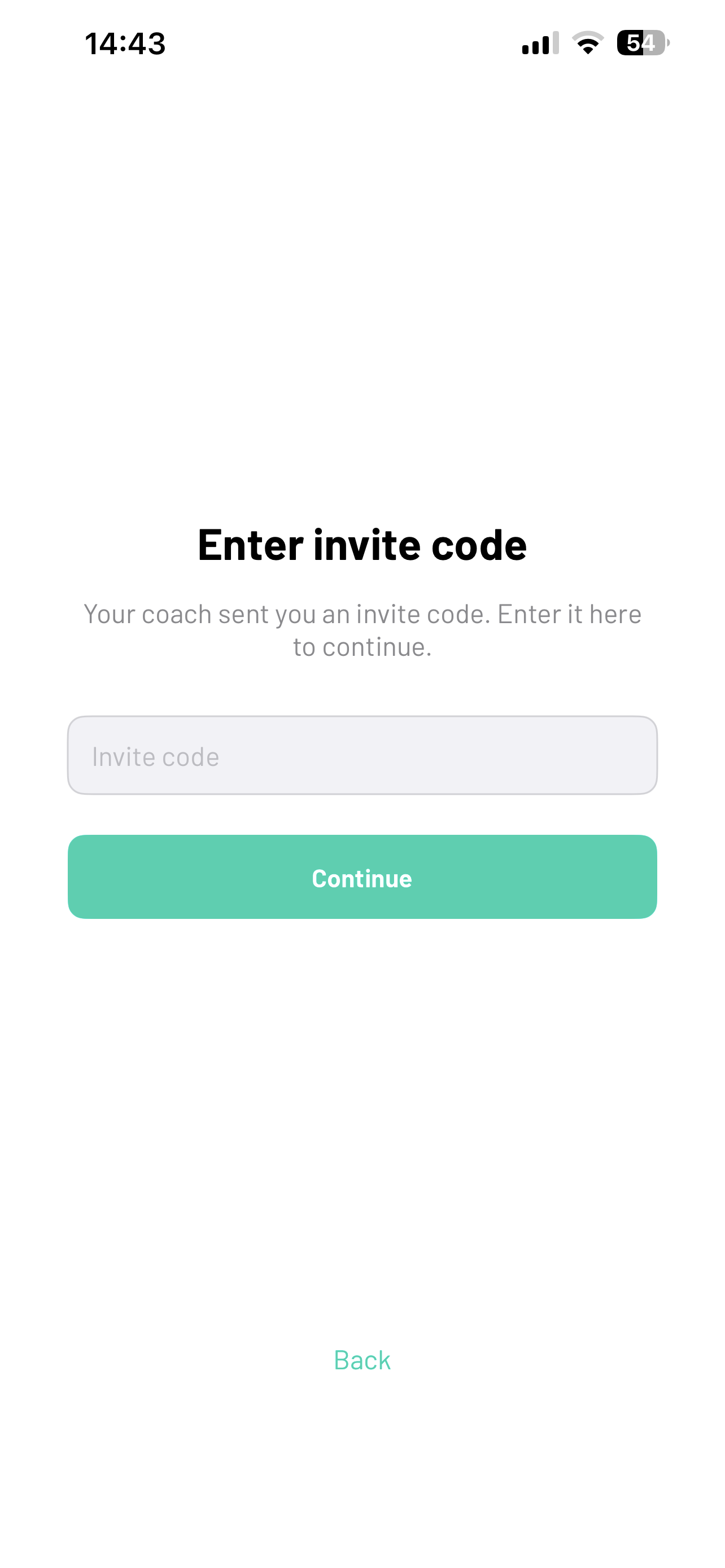
- On the welcome screen, tap "Sign Up" at the bottom. Then enter the invite code you received from your coach and tap continue.
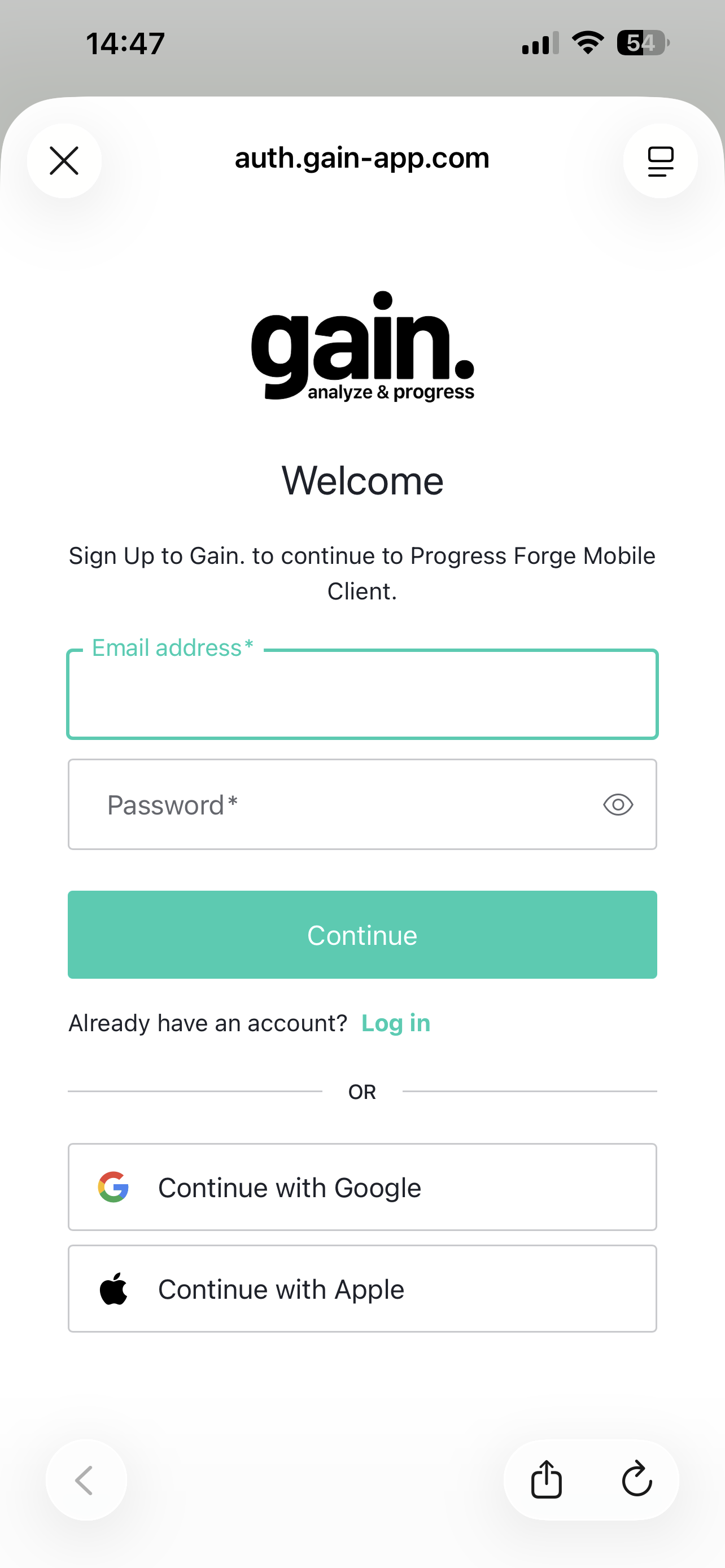
- In the final step, set up your login. You can use email/password or sign in with Google or Apple. Make sure to remember which method you chose, in case you need to log in again.
Note for coaches: If you want to register as a client too, you must create a separate account. The same login cannot be used for both coach and athlete.
Logging In
For security reasons, you will be automatically logged out after a certain period. Simply tap "Log In" (the top button) and sign in with the same account you used during registration.